
Why there is no single best okki-go setup
I've been the procurement manager at a 40-person B2B company for the last 6 years. I've signed off on roughly $147,000 in sales tech spend—call it $140,000 if you exclude one contract my predecessor left behind. SDR tooling, data enrichment contracts, two intent data pilots that ended in very different places. When a RevOps lead asks me "should we buy okki-go?", my honest answer is always: depends on what you already have.
Not the vague kind of depends. The specific kind. A 4-person outbound team and a 30-person agency need different things from the same prospecting agent. Same software, different configuration, different priorities.
Here are the three situations I see most often, what I'd recommend in each, and how to figure out which one you're actually in.
Scenario A: You have one SDR and no real data infrastructure
What this looks like: 1–5 outbound people. Maybe a LinkedIn Sales Navigator seat or two. A shared spreadsheet. No enrichment contract, no intent data, no formal CRM hygiene process.
The instinct: Buy more lists. Buy a data subscription. Push more contacts into the funnel.
What I'd actually recommend: Don't buy data first. Install the agent first.
In 2023, our 6-person team approved a data subscription at $89 per seat per month. On paper that was $534 a month—not the number I remember. The number I remember is the 41% of subscription seats we never used, and the fact that "more contacts" turned into "almost no replies" because nobody was scoring or sequencing them. Six months, no measurable pipeline.
For teams at this stage, the okki go prospecting agent is best treated as one process you run end-to-end, not a data platform you scale. That means:
- Get the current okki go install command from the docs and run it once, all the way through. Don't parallelize setup with production work.
- If you already pay for LinkedIn Sales Navigator, wire the LinkedIn Sales Navigator integration before you add anything else. It's the highest-value connection a small team can make.
- Feed it 50 contacts, not 5,000. Watch what it writes. Watch what it skips. That's your calibration.
Here's the counterintuitive part. A team at this stage usually needs less automation, not more. Adding an enrichment layer before you understand your own targeting just enriches the wrong list faster.
Should mention: if you're a solo founder doing outbound, skip the agent for one quarter. Do it manually. You'll learn the qualifying questions faster, and you'll design a better automated workflow later because you've felt where it breaks.
Scenario B: You own four tools and none of them agree
What this looks like: 10–40 outbound people. A CRM. A data enrichment vendor (probably two). A sequencing tool. A separate LinkedIn scraping tool. Overlap everywhere.
The instinct: Add okki-go on top as another layer.
What I'd actually recommend: Use it to replace a layer, not stack on one. And before you sign any data enrichment renewal this cycle, get explicit answers on five things.
What should revenue operations teams evaluate in a data enrichment company? I've negotiated four of these contracts. It isn't the coverage number on the sales deck. It's these:
- Waterfall logic. How many sources does the vendor actually query per field, and in what order? A vendor with "300 million contacts" who only queries two sources is a two-source vendor. Ask to see the waterfall. If they can't show it, that's your answer.
- Charge-on-match vs. charge-on-attempt. This single line item moved our budget by 34% between two quotes for the same coverage. If the vendor bills for attempted records rather than verified matches, your real cost per usable email lands roughly 1.5–2× what you planned.
- Bounce handling. What happens when a record bounces 30 days after delivery? Credit, replace, or shrug? Get it into the contract, not into the onboarding call.
- CRM round-trip. Can the enrichment result write back to your CRM without a sync job that breaks every time the platform ships an update? Ask for a live demo of the write-back, not a slide.
- Data retention and usage rights. Do you own the enriched record, or rent it? Rented records hurt at renewal, when you realize your historical data is a subscription, not an asset.
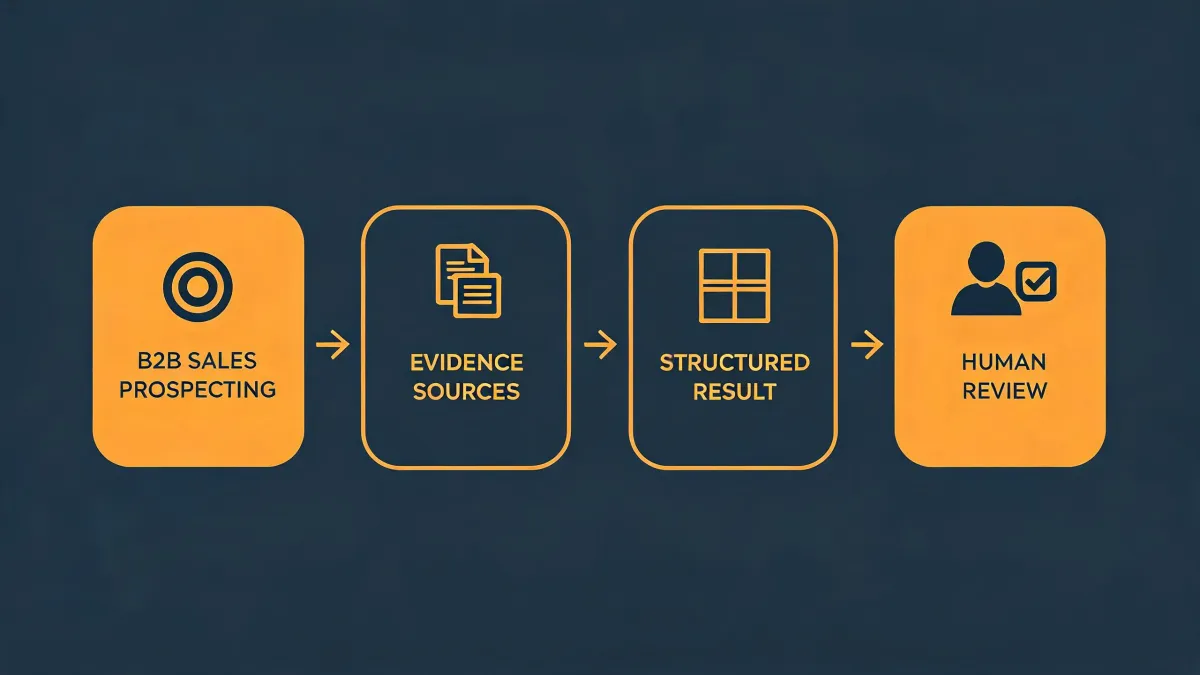
On okki-go specifically for teams at this stage: the reason to look at it isn't "another data source." It's the combination of waterfall enrichment and human-in-the-loop review in a single pass. For a team stitching together three separate tools, collapsing to one pipeline is often where the actual savings come from. Not the tool itself—the two invoices it replaces.
A 2024 audit of our own spend showed that 62% of our SDR tool overruns came from overlapping subscriptions, not from unit pricing. We implemented a rule: no new sales tool gets added without naming the tool it replaces. Cut the overlap line item by $1,380 per quarter.
Scenario C: You want intent signals, not just more contacts
What this looks like: A mature RevOps function. CRM hygiene is decent. You have reporting cadence. You want to move from "who might buy" to "who is showing buying behavior right now."
What I'd actually recommend: Treat the intent data overview as a purchasing question, not a features question. Intent data is one of the few line items in sales tech where the ROI math is real but the attribution is genuinely messy.
Three things about intent data that won't come up on the sales call:
- "Intent" is not one thing. Third-party intent (content co-ops) and first-party intent (your website, your email engagement, your CRM activity) behave differently and price differently. Vendors often quote benchmarks from one and sell you the other.
- Intent signals are noisy at the account level, and noisier at the contact level. If a vendor promises contact-level intent scoring, ask for the sample size per account. Most are inferring from one or two touches.
- Tiered pricing usually hides a data volume ceiling. When you cross it, you're not throttled—you're billed. Ask the ceiling question before signing.
Here's the thing: most "unlimited" intent plans have a limit. It's just in the appendix.
For an agent like okki-go, the value isn't a bigger intent feed. It's gating what the agent does based on what the signal says. High-intent account, deeper personalization. Low-intent account, leave it alone. That gating behavior is where teams actually find savings, because it stops waste upstream rather than chasing attribution downstream.
There's something satisfying about watching an agent skip a bad-fit account. After years of tools emailing the wrong people faster, silence on a low-intent account feels like a small victory. And it is one.
How to figure out which scenario you're in
You're probably a Scenario A team if:
- You have fewer than 5 outbound people, and "the process" is one person's calendar.
- You've never run a vendor evaluation that took longer than a week.
- Your CRM is updated daily by one person and nightly by nobody.
You're probably Scenario B if:
- You can name more than three sales tools on the invoice, and at least two overlap.
- Data quality is the top complaint your SDRs bring to your one-on-ones.
- You've renewed at least one data contract this year without renegotiating.
You're probably Scenario C if:
- You have a data team, or a RevOps function with a defined reporting cadence.
- You've already trialed one intent vendor and either adopted it or killed it—deliberately.
- Your questions at vendor calls are about attribution and gating, not about seat counts.
Look, I'm not saying there's one right way. I'm saying the wrong way is buying what a Scenario C team bought and installing it inside a Scenario A environment. I've watched that movie. It ends with a renewal you regret and a Slack channel nobody posts in.
Ask the scenario question first. Install second. That order has saved me more money than any discount a rep ever offered.